Mobile-First Accessible Design

Create Tactile Words,
Right from Your Phone.

Tenji P-Fab generates Braille data ready for 3D printing just by typing in Japanese. No specialized knowledge required. Accessibility starts from your pocket.
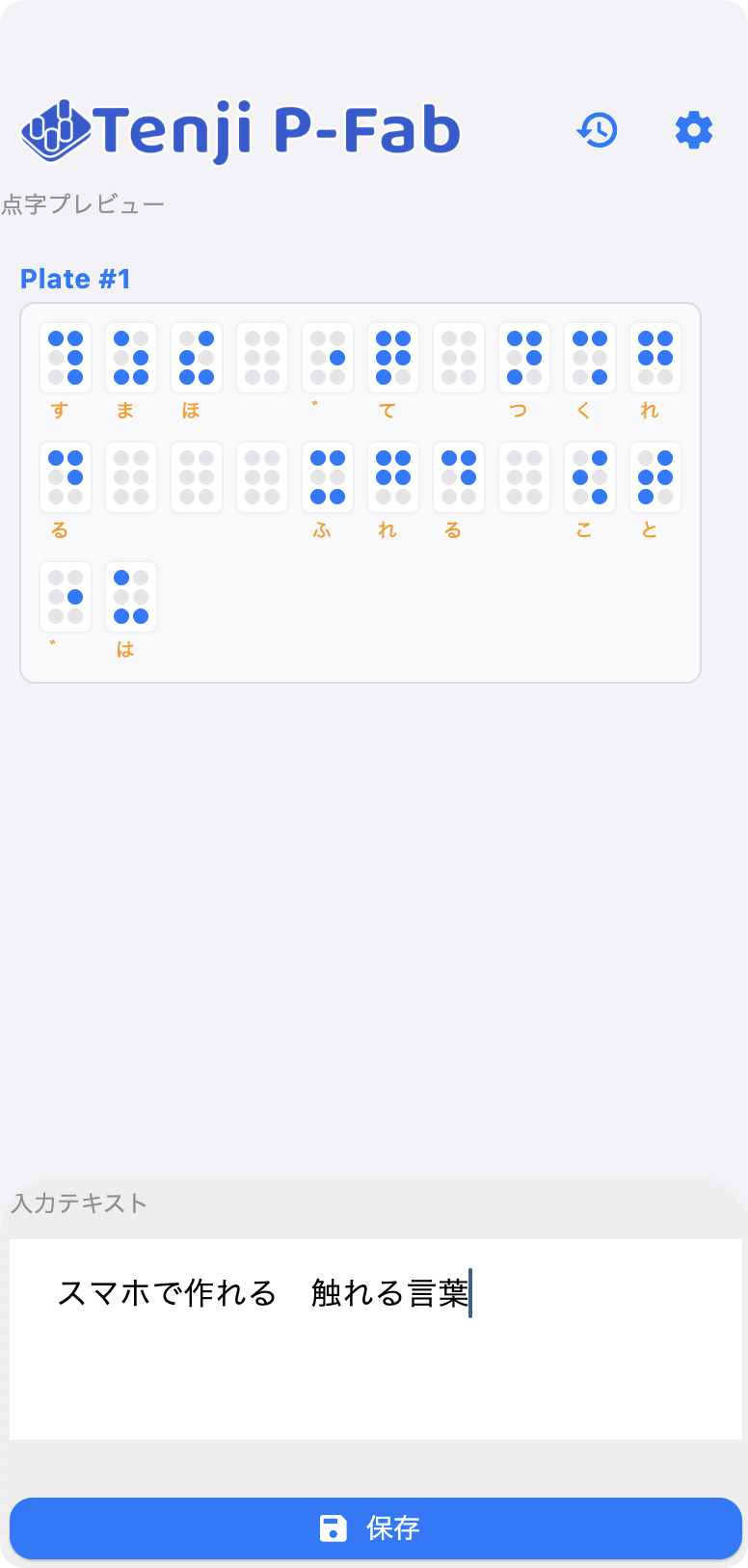
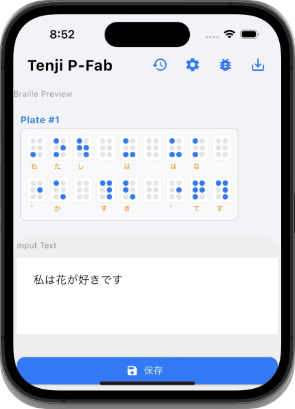
App Screenshot
"Technology is nothing. What's important is that you have a faith in people... and if you give them tools, they'll do wonderful things with them."
— Steve Jobs

Enabling anyone to create Braille with the smartphone they already own, rather than expensive equipment.
That is our goal: "Democratization of Tools."

Features

3 Core Features

Advanced Translation

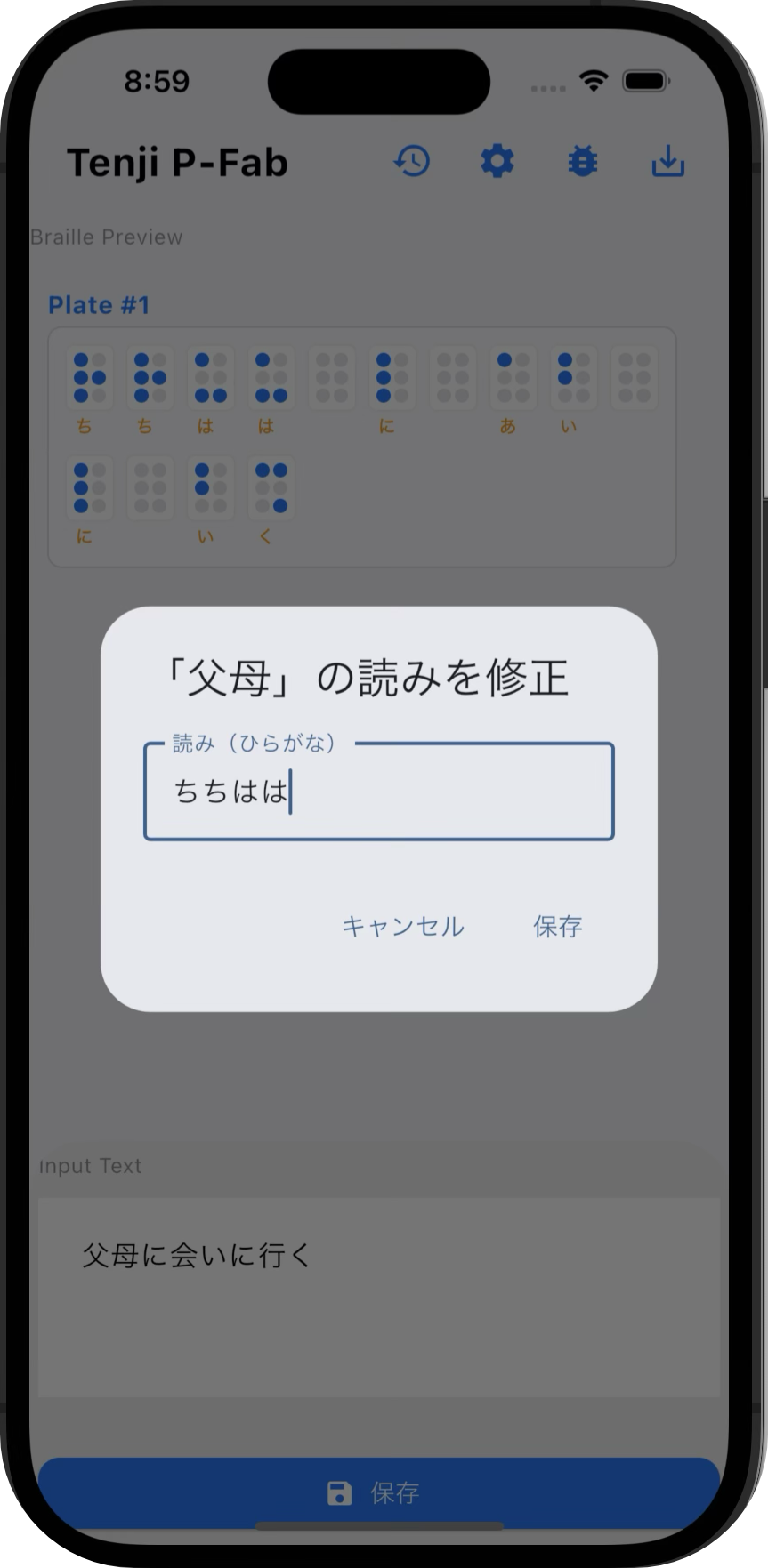
Automatically converts Kanji to Kana, handles word spacing (wakachigaki), and distinguishes particle readings. (e.g., "Ha" to "Wa").

Translation UI

Interactive Editing

You don't have to rely solely on automation. Simply tap the Braille blocks on the preview to correct readings instantly.

Editing UI

Optimized for 3D Print

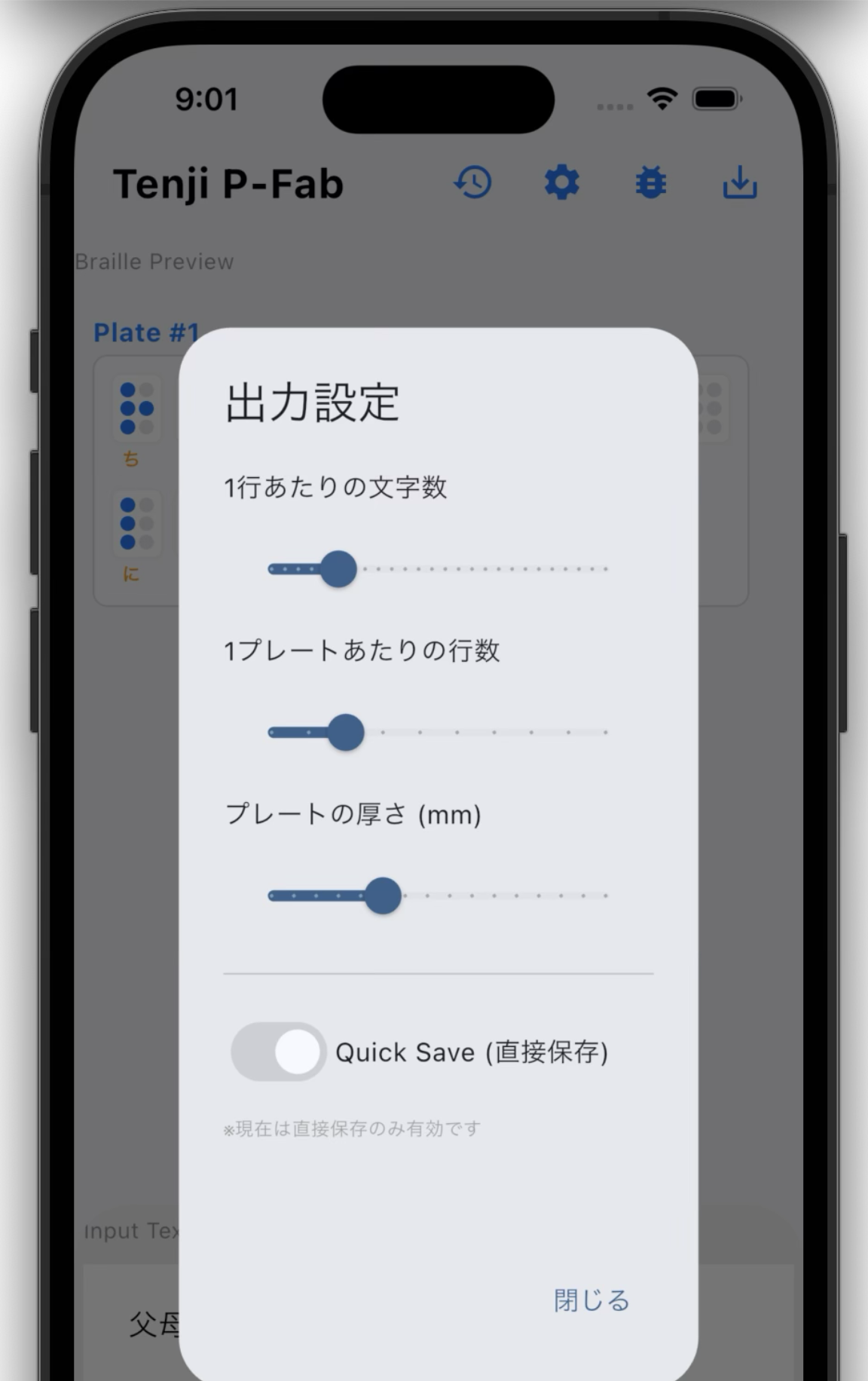
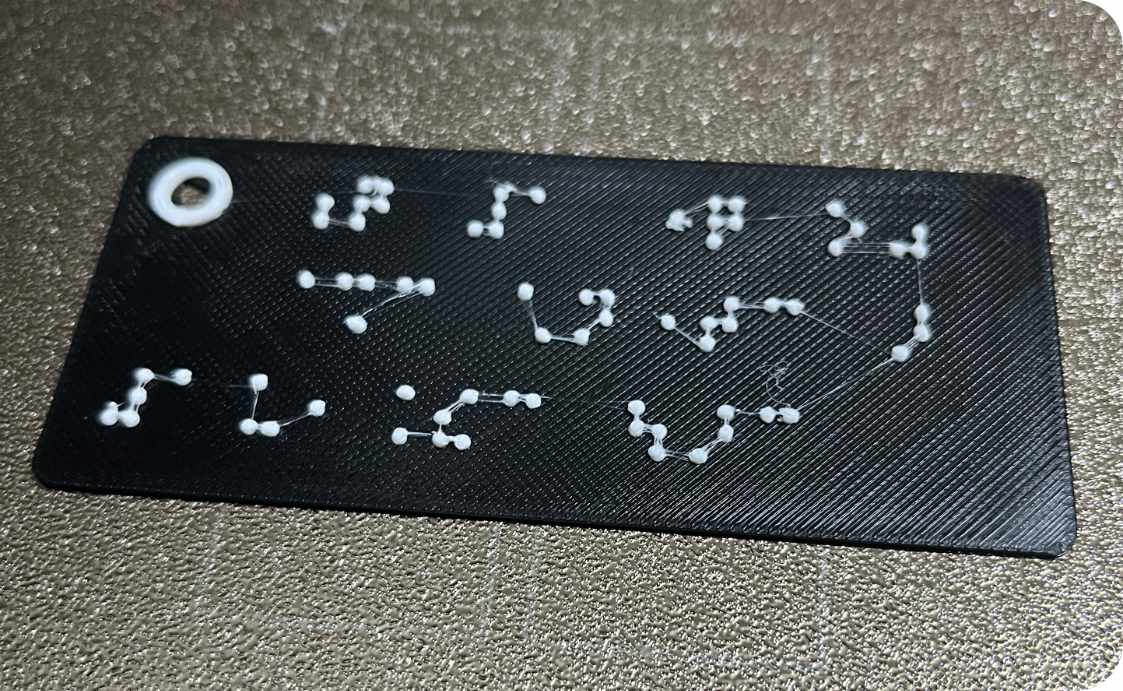
Instantly exports STL data with shapes easy to use in the field, including auto-splitting for long texts, rounded corners, and strap holes.

3D Output

How to Use

Easy 3-Step Process

1

Input & Convert

Type Japanese text into the app. Check the Braille result in the preview and tap to correct if necessary.

2

Save as ZIP

Tap "Save" to download a ZIP file. It contains the STL (3D data) and an HTML guide for verification.

3

Send to Printer

Load the STL file into your 3D printer and start printing! Your Braille plate will be ready in minutes.

Comparison

Tenji P-Fab as Braille Creation Software

Feature / Service Tenji P-Fab TouchSee (Web) ibukiTen (PC) Bambu Handy
Japanese Translation
Word Spacing & Particles

Auto + Edit

N/A

High Precision

Font Only
3D Output
STL / 3MF

Auto-Split / Holes

Single Only

N/A

Direct Print
Sighted Guide
Verification HTML/PDF

Included
Cost
Hardware
Low
3D Printer
Low
3D Printer
High
Embosser
Low
3D Printer

Making Accessibility More Accessible.

Tenji P-Fab is developed as an open-source project.
Your feedback helps make the app better.